- Admissions
-
Academics
- College of Arts & Sciences
- Pamplin School of Business Administration
- School of Education
- Donald P. Shiley School of Engineering
- School of Nursing
- Graduate School
- Library
- Provost
- Registrar
- Center for Entrepreneurship
- Garaventa Center
- Academic Advising
- Early Alert
- Fellowships & Grants
- Honors Program
- Majors & Minors
- Studies Abroad
- University Catalog: The Bulletin
- Air Force ROTC
- Army ROTC
-
Campus Life
- Arts & Culture
- Campus Ministry
- Counseling & Health Center
- Dining
- Housing & Residence Life
- International Student Services
- Moreau Center for Service & Leadership
- Portland, OR
- Public Safety
- Recreational Services
- Shepard Freshman Resource Center
- Student Activities
- Student Affairs
- Student Resources
- Sustainability
- Services
- Athletics
- About UP
- Home >>
- Library >>
- Library Home >>
- UP WorldCat FAQ
- Library
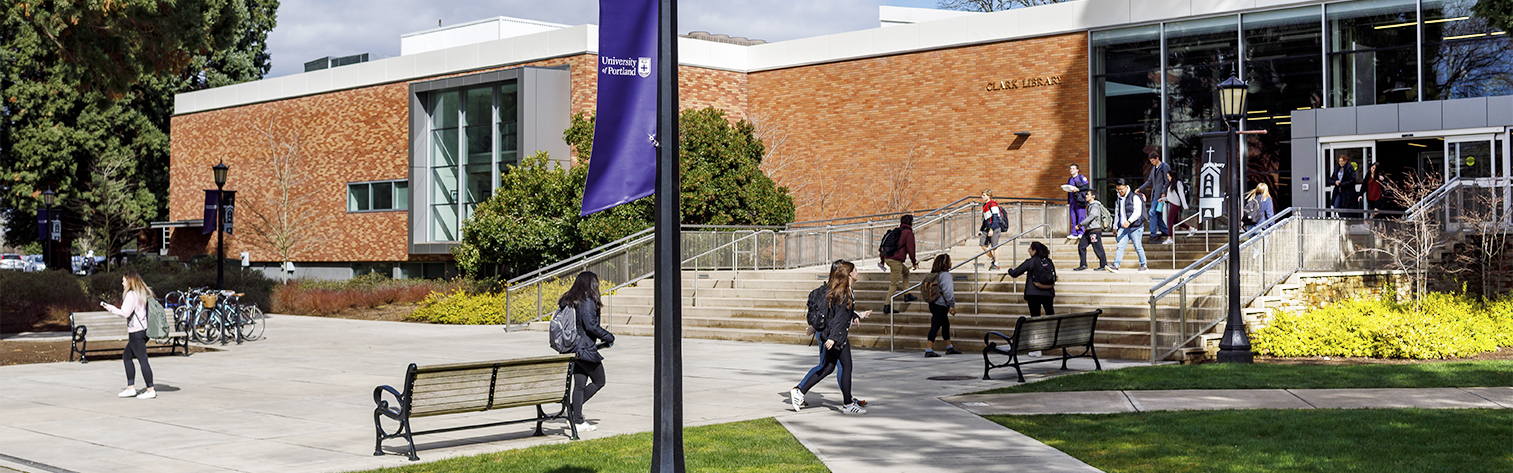
- Wilson W. Clark Memorial Library
- 5000 N Willamette Blvd.
- Portland OR 97203
- 503-943-7111 or 800-841-8261
- fax: 503-943-7491
- library@up.edu
Library: UP WorldCat FAQ
In August 2009, the library launched UP WorldCat, which offers a combined search of the items owned by the UP library, regional libraries, and libraries worldwide. You can now easily search more than 100 million items from libraries around the world.
With UP WorldCat, you can simultaneously search UP, Summit (a regional catalog of 30+ libraries in Oregon and Washington) and WorldCat (a catalog of libraries worldwide, which also includes thousands of journal articles). The system is designed to display items available at UP first, followed by those held in Summit libraries. If an item isn’t available from UP or a Summit library, you will see results from WorldCat, which can be requested via Interlibrary Loan.
Patrons at any participating library may request materials and have them sent to any member library within 2-3 business days (note: patrons must first visit the library where they wish to pick up materials in order to be adopted into their system). In addition, patrons may visit any member library and check out materials from that library with a valid ID card from any Orbis Cascade Alliance institution.
| UP | Summit | Interlibrary Loan | |
| Books | Students: 4 weeks (2 renewals)* Faculty: 6 months (2 renewals)* |
6 weeks (no renewals) | Depends on lending library (usually 3-4 weeks, no renewals) |
| Media | 1 week (2 renewals)* | 6 days (no renewals) | Depends on lending library (usually 1 week, no renewals) |
UP students can check out books from over 37 academic libraries in Oregon, Washington and Idaho using UP WorldCat. Books will need to be picked up in person at the participating library.
- If you plan to pick up the book at a library other than University of Portland, you first need to visit the library in person, and identify yourself as a University of Portland student who needs to be adopted into their library system.
- Use UP WorldCat to find a book.
- From the list of search results, choose the title of the book to see the full information about this book.
- Choose Request Summit Item* button.
- On the Choose your library screen, choose the library where you plan to pick up the book. If "University of Portland" is already selected, select choose a different library to select the library where you have been adopted from the list of participating libraries. Choose the Continue button.
- In the boxes provided, enter your Last Name (in lower case letters) and Library Barcode number. (If you don't know your barcode number, contact the Circulation Desk at 1-800-841-8261, or email library@up.edu). Or, if you have been adopted by another library and you are not sure which barcode to use for the adopted library, please contact that library directly for assistance.
- Choose the Login button. On the following screen, choose the Submit button again to finish the request.
Returning materials:
You can return Summit books to the Terrace Room Interim Library or to any participating library. The book will be sent back to the lending library.
* UP WorldCat includes items from regional libraries as well as national/international libraries. For some items, you will see a Request from Interlibrary Loan button rather than a Request Summit Item button. For these items:
- Choose the Request from Interlibrary Loan button,
which will redirect you to UP ILLiad, our Interlibrary Loan system.
- Login with your UP network username and password; a book request
form should already be filled out with the information about this book.
- Choose the Submit Request button; the book will be mailed
to you within 10-14 business days.
- You may return the book via U.S. mail (allow 3 days for priority mail or 4-7 days for parcel post). Each book will have an insert explaining how to return it and a "Ship to" label for your convenience. You are responsible for the return postage. Alternately, you may return the book directly to the Terrace Room Interim Library.
To see items that you have requested or checked out from UP and other libraries, check the following accounts:
-
My Library Account - View items checked out via UP, Summit, and Interlibrary Loan; renew UP items; view items on hold and fines.
-
My Summit Account - view pending requests from Summit
- UP ILLiad - view your Interlibrary Loan requests, including journal articles.
Questions?
Call the reference desk at 503-943-7788, email library@up.edu, or ask in person or via Library Chat.
Comments?
Tell us what you think about UP WorldCat.
-
- library@up.edu
- 503-943-7111 or 800-841-8261
- mobile
- Directions & Maps
- 5000 N. Willamette Blvd., Portland, OR 97203-5798
- © 2013 University of Portland, All Rights Reserved